FFmpeg Alternative: 3 Years Ago, We Didn’t Know How to Do Live Video Mixing
 Jerzy Wilczek•Oct 1, 2025•12 min read
I work on servers that handle video processing at Software Mansion, and I thought I’d jot down something quick since I’ve done quite a bit of research on this.
It turns out that the most popular solutions, like FFmpeg or GStreamer, aren’t really the best fit for composing live streams together. So, enjoy my little blurb of text, friend.
The curtains and the video processing problem
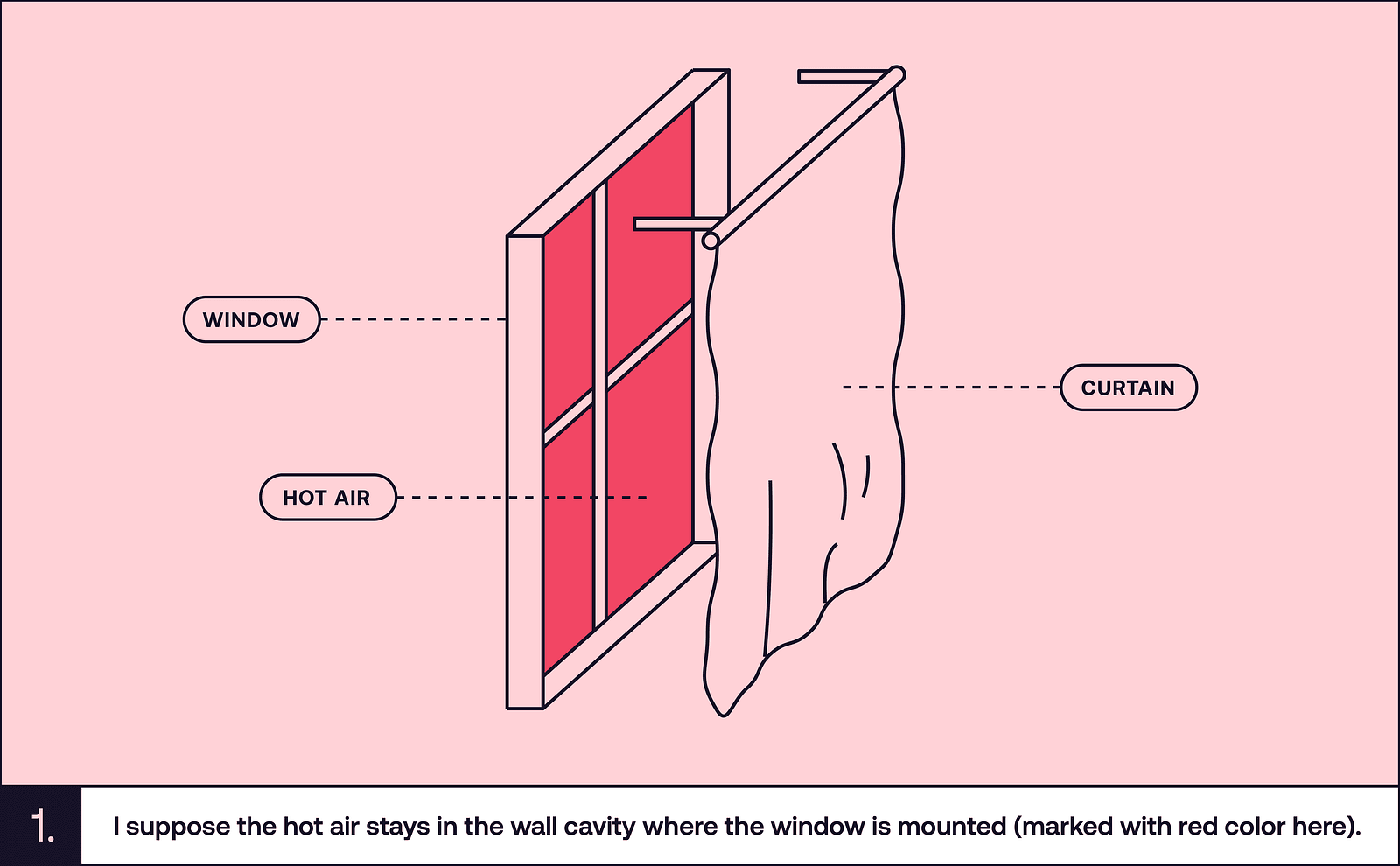
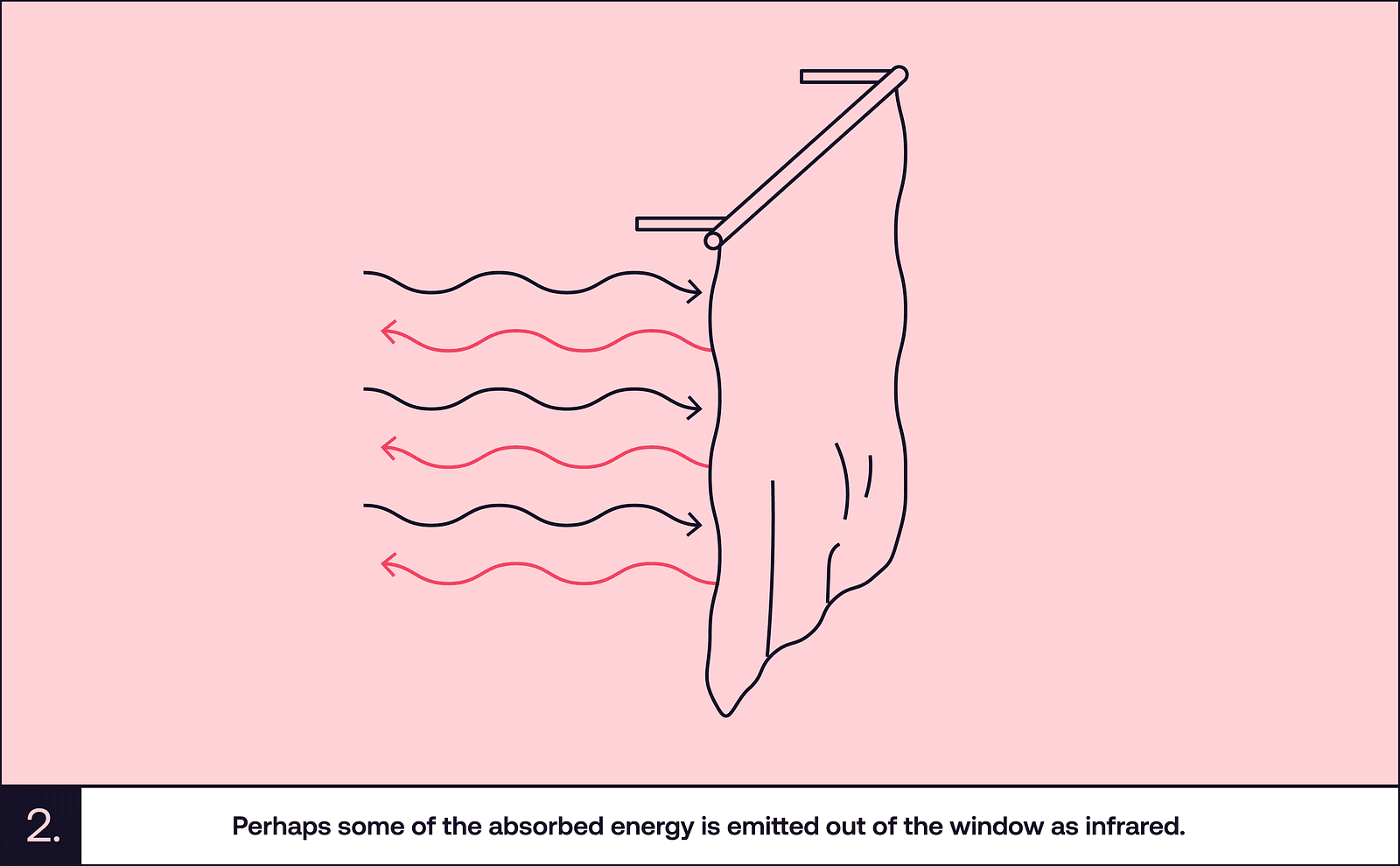
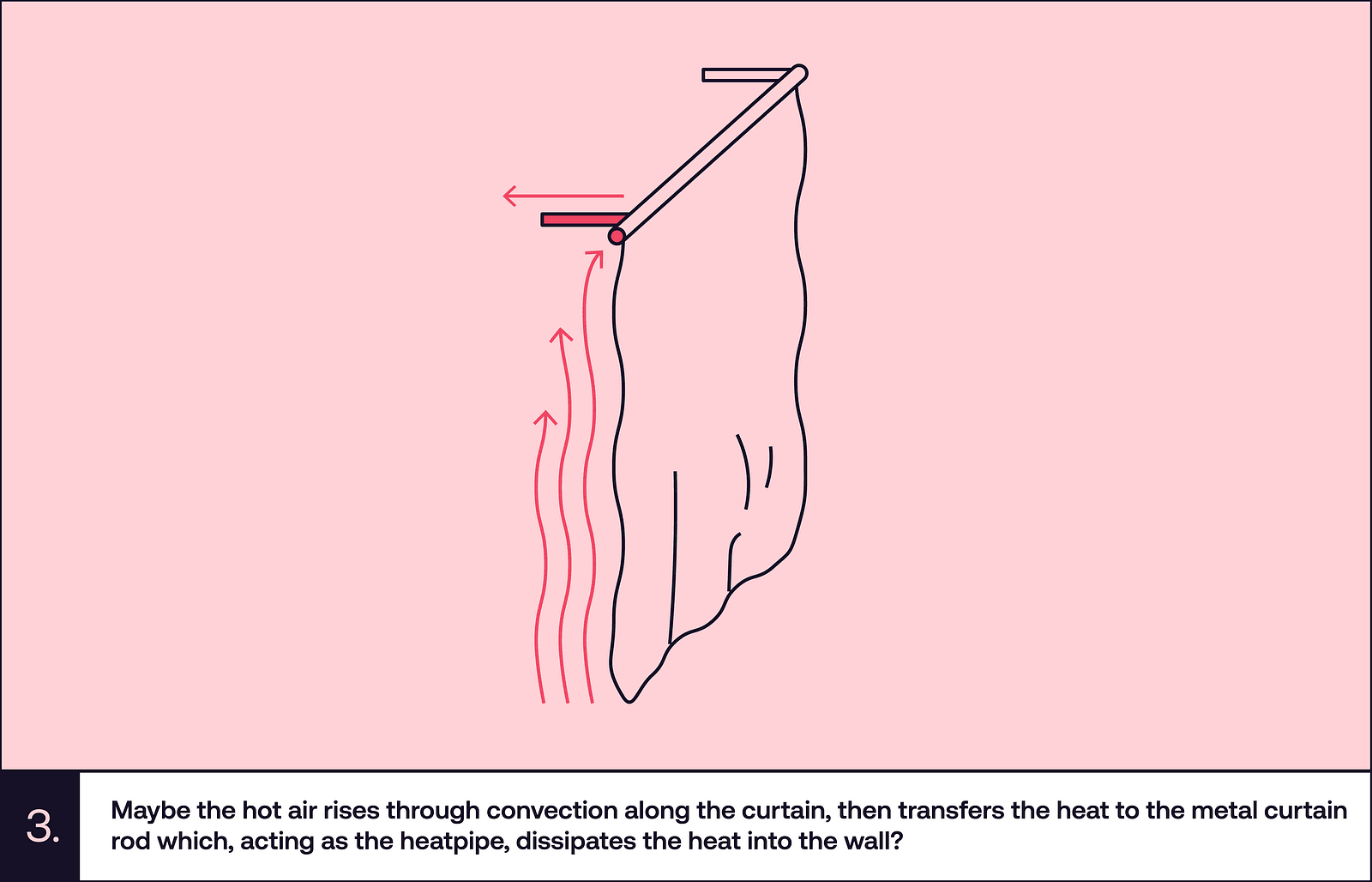
There’s this thing that happens to me quite often. I try to do something serious and I stop in the middle of the task. I start thinking about strange questions and they completely consume my mind. The questions can be silly, like “how come having dark curtains drawn makes my room cooler, even though they are hit by as much sunlight as the whole room would be if they were open?”.
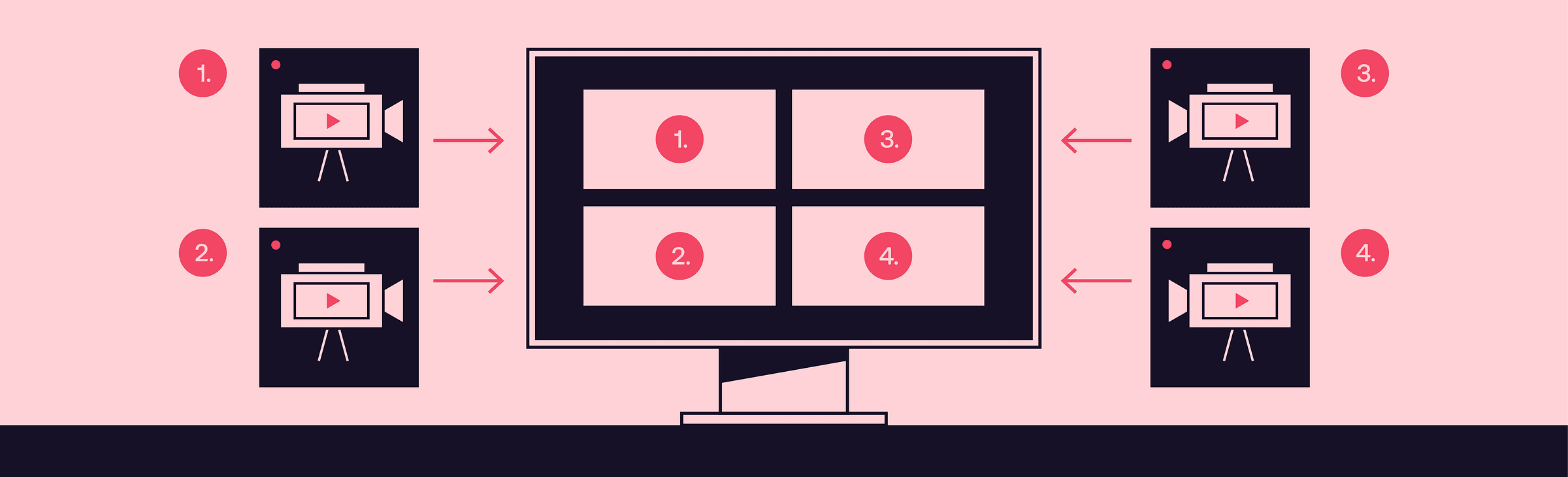
Or: “if 5 people were streaming their webcam footage to my server simultaneously, and I wanted to combine the five streams into a single video, and send it somewhere else, how would I do it?”.
The answer to the second question is quite interesting. So interesting that in fact, we spent some time investigating it at Software Mansion. Let’s see what we found out.
(And yeah, I’m going to keep thinking about the curtains throughout this blog post, just because I can’t stop)
FFmpeg
Well, answering the video compositing question: you would use FFmpeg, obviously. FFmpeg can do anything with multimedia. Let’s vibe code an FFmpeg invocation quickly and take a look:
ffmpeg \
  -i rtmp://stream1-url/live/stream1 \
  -i rtmp://stream2-url/live/stream2 \
  -i rtmp://stream3-url/live/stream3 \
  -i rtmp://stream4-url/live/stream4 \
  -i rtmp://stream5-url/live/stream5 \
  -filter_complex "
    [0:v]scale=640:360,setpts=PTS-STARTPTS[stream1]; # scale the inputs first
    [1:v]scale=640:360,setpts=PTS-STARTPTS[stream2];
    [2:v]scale=640:360,setpts=PTS-STARTPTS[stream3];
    [3:v]scale=640:360,setpts=PTS-STARTPTS[stream4];
    [4:v]scale=640:360,setpts=PTS-STARTPTS[stream5];
    [stream1][stream2][stream3]hstack=inputs=3[top]; # put the inputs in 2 horizontal stacks
    [stream4][stream5]hstack=inputs=2[bottom];
    [top][bottom]vstack=inputs=2[final] # arrange the two hstacks in a vertical stack
  " \
  -map "[final]" \
  -c:v libx264 -preset fast -b:v 3000k -maxrate 3000k -bufsize 6000k \
  -c:a aac -b:a 128k \
  -f flv "rtmp://output-server/live/stream-key"
This is rather sleek, if you’re not afraid of the weird filter language. Just looking at this, I can intuitively understand what most parts do, since I used FFmpeg a couple times already. The downside of this is that you have to run a separate RTMP server, which isn’t that bad of a thing, since you can easily do that with nginx. Even though it works, I’m not very satisfied with this solution. What if, in the middle of the stream, a 6th person joins in?
In short: FFmpeg isn’t really made for this kind of video composition. You can’t have a dynamic number of streams, there is no side channel through which you could inform FFmpeg of the new stream and its URL. I still want to show you how the code would look if we knew we wanted to add the 6th video at a specific time, because I want you to see how silly animations are in this weird syntax (live inputs replaced with files for convenience when testing):
ffmpeg \
  -i OceanSample720p24fps28s.mp4 \
  -i OceanSample720p24fps28s.mp4 \
  -i OceanSample720p24fps28s.mp4 \
  -i OceanSample720p24fps28s.mp4 \
  -i OceanSample720p24fps28s.mp4 \
  -i OceanSample720p24fps28s.mp4 \
  -filter_complex \
  "[0:v]scale=640:360[stream1];
  [1:v]scale=640:360[stream2];
  [2:v]scale=640:360[stream3];
  [3:v]scale=640:360[stream4];
  [4:v]scale=640:360[stream5];
  [5:v]scale=640:360[stream6];
  [stream1][stream2][stream3][stream4][stream5]xstack=inputs=5:layout=0_0|w0_0|w0+w0_0|0_h0|w0_h0|w0+w0_h0[layout5_unscaled]; # make a layout with 5 videos
  [layout5_unscaled]scale=1920:720[layout5];
  [stream1][stream2][stream3][stream4][stream5][stream6]xstack=inputs=6:layout=0_0|w0_0|w0+w0_0|0_h0|w0_h0|w0+w0_h0[layout6_unscaled]; # make a layout with 6 videos
  [layout6_unscaled]scale=1920:720[layout6];
  [layout5][layout6]blend=all_expr='A*(if(lte(T,15),1,(15 - T)/5))+B*((if(gte(T,20),1,(T - 15)/5)))'[transition];" \ # blend between the two layouts
  -map "[transition]" \
  -c:v libx264 -preset fast -crf 23 \
  -c:a aac -b:a 128k -y \
  cool_file.mp4
Now, I have to admit writing this took me two hours. Additionally, fading the new video in isn’t the animation I wanted, but it’s the only one I was able to create. It also doesn’t work — layout6 is somehow scaled up so much only a small fraction of it is visible in the output. During the 2 hours I spent on this, I tried many ways to do different animations, but I couldn’t get any of them to work. I don’t want to say FFmpeg is bad, because it’s very good for most use-cases and I use it daily for my private multimedia manipulation. It just isn’t made for dynamic composition.
GStreamer
Let’s turn to the other big and old multimedia library — GStreamer. I opted to try and make this using GStreamer bindings for Python, and I very much regret this decision, but let’s keep my complaints about stringly-typed APIs out of this blogpost.
While FFmpeg generally works by specifying the inputs and outputs you want, with an optional processing step in between (like the filter_complex in the previous example), GStreamer allows you to build any kind of a processing graph using simple nodes. The nodes do singular processing steps, like decoding a video or receiving video and audio over some protocol.
I won’t present the full solution here, because it’s too long, but I’ll give you a couple important code snippets, so that you can get the gist of what working with GStreamer is like. First, we have to create a compositor, which will take the multiple videos and compose them (duh) into one output:
self.compositor = Gst.ElementFactory.make("compositor", "compositor")

# The caps filter is placed right after the compositor in the pipeline
# and it forces its output resolution
self.capsfilter = Gst.ElementFactory.make("capsfilter", "capsfilter")
caps = Gst.Caps.from_string(
  f"video/x-raw,width={self.width},height={self.height}"
)
self.capsfilter.set_property("caps", caps)
This is later plugged into a whole bunch of elements that handle encoding and sending the output wherever we want to send it.
Whenever we want to add a new input, we need to do this:
rtmpsrc = Gst.ElementFactory.make("rtmpsrc", f"rtmpsrc_{stream_name}")
rtmpsrc.set_property("location", rtmp_url)
And then we hook this up to 5 elements that handle queueing, decoding, rescaling and everything else that needs to happen to the video before it’s ready for the ✨composition✨. I’ll spare you the details. After this is done, we just hook it up to the compositor:
# We get a pad from a compositor, which is a thing that we can plug our
# input into
sink_pad = self.compositor.get_request_pad(f"sink_{self.next_stream_id}")

# We set the position and size of the input to a precalculated value
sink_pad.set_property("xpos", x)
sink_pad.set_property("ypos", y)
sink_pad.set_property("width", width)
sink_pad.set_property("height", height)

# Then just link it to a compositor
videoscale.link(scale_caps)
scale_caps.link(self.compositor)
And yeah, this works. I think we can even change the properties of a pad after it’s linked, which means we could animate it. What I like about GStreamer is that it does all of the basic things I wanted to achieve. In theory, I should be satisfied, but I’m not.
I’m thinking about implementing the animations. I’m thinking of programming the interpolation curves and synchronizing the animation time with the videos and updating the pad properties, god knows how many times per second, and can Python even do something 60 times per second? I’m thinking about all of this and starting to get a sense of dread and chills in my spine. I just don’t want to do this.
Remotion
So, let’s talk about something I want to do, or rather, I want to interact with. Remotion is super cool. It’s basically a React-based video editor. Now, I’m not the biggest fan of React, or even JS or TS, but compared to the other things we’ve seen today… it works, somehow.
The most fun thing about Remotion, in my opinion, is the preview window. It basically works like this: you create a project, start a development server, and you get a page in your browser with a live preview of the video you’re editing.
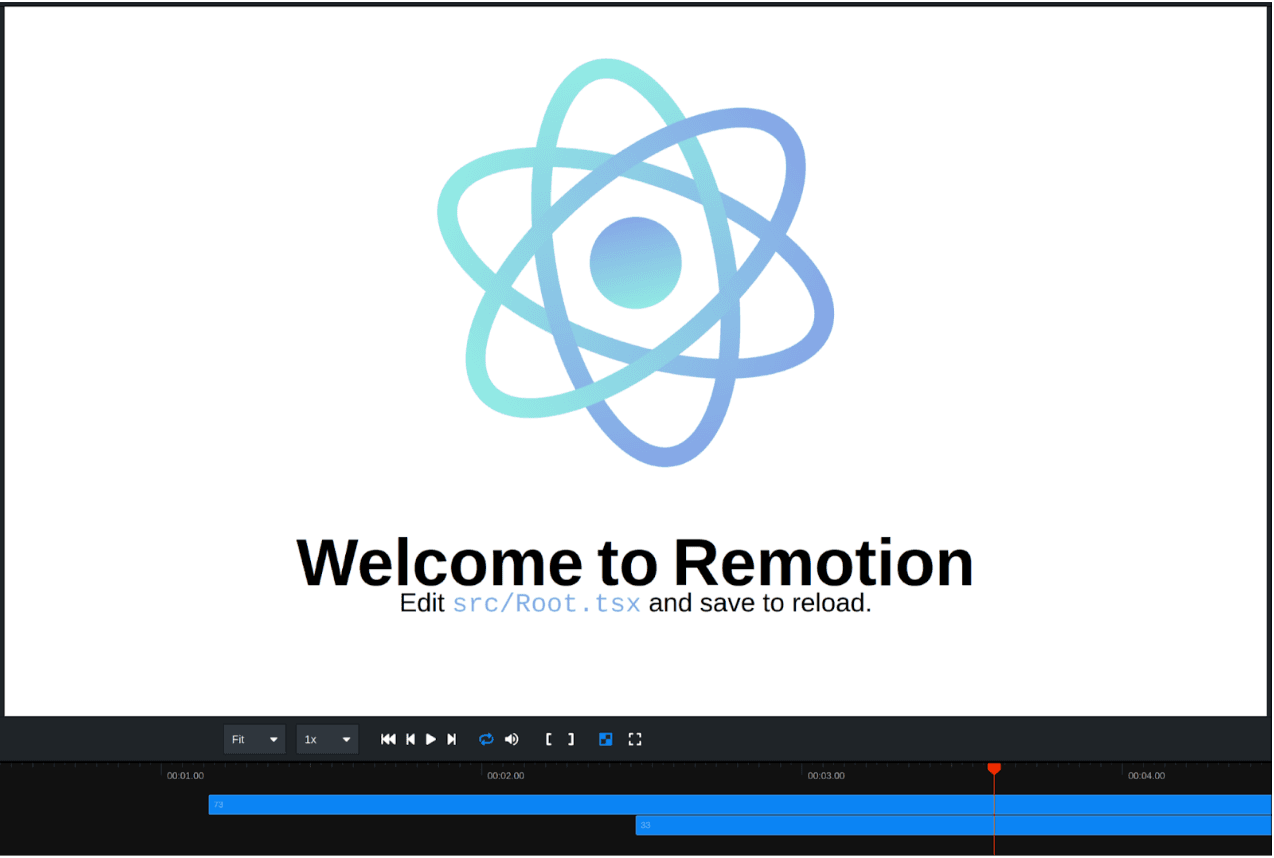
See? It is pretty cool. You can see a clickable timeline with indicators of where different components show up and how long they last. The way it’s done is very fun too. Basically, the video you write in React gets turned into HTML, which then gets displayed on the page. When you want to render the video, the React code gets turned into different HTML, which works with rendering a bit better. This HTML is then fed into a headless Chrome instance, which, in turn, is screen-recorded to produce the output.
Using React for describing the video makes sense too. When making a grid with videos like we did before, you don’t have to calculate the size of each video. CSS can do that for you — just make a div like this, stuff everything inside and it should work:
<div
  style={{
    width: "100%",
    height: "100%",
    backgroundColor: "#000",
    padding: spacing,
    display: "grid",
    gridTemplateColumns: `repeat(${columns}, 1fr)`,
    gridTemplateRows: `repeat(${rows}, 1fr)`,
    gap: spacing,
  }}
>
Want the layout to dynamically increase as more stuff is inside? Just recalculate the number of columns and rows and it’ll all be figured out, automatically. There are a few quirks that need workarounds, like the fact that CSS thinks making the video scrollable is fine, but the workarounds are in place and, in general, there aren’t huge problems with the API or the developer experience.
There is one big problem with Remotion, though. The rendering method is nice, because it allows this live preview to work seamlessly. It is, however, also quite slow. Slower than real-time, in fact. I tried making a video out of 9 input videos arranged in a 3x3 grid, 1080p, 30 fps, 2 minutes long and it took over 15 minutes to render, and the computer I tried it on is quite beefy (Ryzen 5600, Rx 7900 XTX). This makes it unsuitable for doing things live. Remotion doesn’t even have inputs that can receive live video streams.
As you can see, Remotion doesn’t answer our question either. We still haven’t found a solution that would be satisfying for our use case.
OBS
I don’t really want to write a whole section about OBS, because I think it would be repetitive and the text is slowly getting too long, so I’ll keep it very short.
OBS has a WebSocket API that you can use to control what it does. The problems that emerge when using it are: we end up with pretty much the same API problems as in GStreamer, and OBS is also kind of a pain to set up on a server. This means that it’s not a good fit either.
Smelter
This whole story resembles the situation we faced around 3 years ago. We didn’t know how to join live streams in a way we would like. We decided to make our own thing — and we did!
Smelter, similarly to Remotion, features a React-based API. It has a custom renderer that makes it fast enough for real-time, and we recently added support for hardware-accelerated decoding. Hardware-accelerated encoding is in the works, and quite close to being done. We feature multiple input and output protocols, so you can receive anything you like and send it wherever you want. Yeah, maybe the React API still needs a bit of polish, but we’re working on it continuously. For now, we also don’t have a fancy preview like Remotion does, but Smelter can run in the browser using WebAssembly, and this possibility could be used to add a preview later down the line.
Let’s take a closer look at our specific use case. First, we need to initialize the Smelter instance and register some inputs. The WHIP protocol used here is a bit newer than RTMP and allows you to stream video to Smelter either from software like OBS or from a browser.
// initialize smelter
const manager = new LocallySpawnedInstanceManager({
  port: 8000,
});
const smelter = new Smelter(manager);
await smelter.init();

// then we just add the inputs
await smelter.registerInput("input1", {
  type: "whip",
  video: {
    decoder: "ffmpeg_h264",
  },
  audio: {
    decoder: "opus",
  }
});
Then, we need to define our output component:
function App() {
  const inputs = useInputStreams();
  return (
    <Tiles>
      {Object.values(inputs).map((input) => (
        <Rescaler key={input.inputId} style={{ rescaleMode: "fill" }}>
        <InputStream inputId={input.inputId} />
        </Rescaler>
      ))}
    </Tiles>
  );
}
As you can see, it’s quite simple. The Tiles component arranges its children in a grid. We could manually set the inputIdfield of the InputStream component to input1, which is the name we gave to our input stream previously. I chose to do it using the useInputStreamshook so that it adds tiles for newly added streams automatically. The Rescaleris one of the quirks present in the React API right now — if a component needs to change its resolution, it needs to be wrapped in a rescaler.
We can make the transitions animate the addition of new streams by passing a prop to Tiles:
<Tiles transition={{ durationMs: 200, easingFunction: "bounce" }}>And yeah, you could say the whole question is cherry-picked, because I wanted to showcase our Tiles component.
What I actually wanted to show you is that Smelter is fun to play around with, and not very complicated. We have other stuff too, like components that can do basic flexbox-like layouts, so arranging the videos in any way you want is quite doable.
Conclusion
So, that’s the story. We went through the most common FFmpeg alternatives like GStreamer, Remotion, even OBS — just like we at Software Mansion did 3 years ago — and found out that none of them are an incredible experience if you want live, dynamic video mixing.
That’s why we built Smelter. We’re still actively working on it, but it is actually fun to use. It doesn’t have many of the problems that make other solutions annoying.
If I grabbed your attention, we have a few demos for various video compositing use cases, so you can just try it and see how it feels. You can also get started by reading Smelter’s docs. The tool is totally free for most scenarios (i.e., up to 10k viewers and up to 50 machines).
And if you need some help, or anything really, simply write to me or anyone from Software Mansion — we’ve been dealing with multimedia for quite some time, I think it would be fun to solve a problem together.
Also, sorry, if you couldn’t already tell, I don’t really know what actually happens with the curtains.
Edit: after publishing this, the GStreamer account on X brought to my attention that animations can be implemented in a much simpler way than I figured out using the controller subsystem. This alleviates many problems I had using GStreamer for this. Check it out!
We’re Software Mansion: multimedia experts, AI explorers, React Native core contributors, community builders, and software development consultants.