From Zero to 300K Users in One Year: How We Built an App That Builds Apps
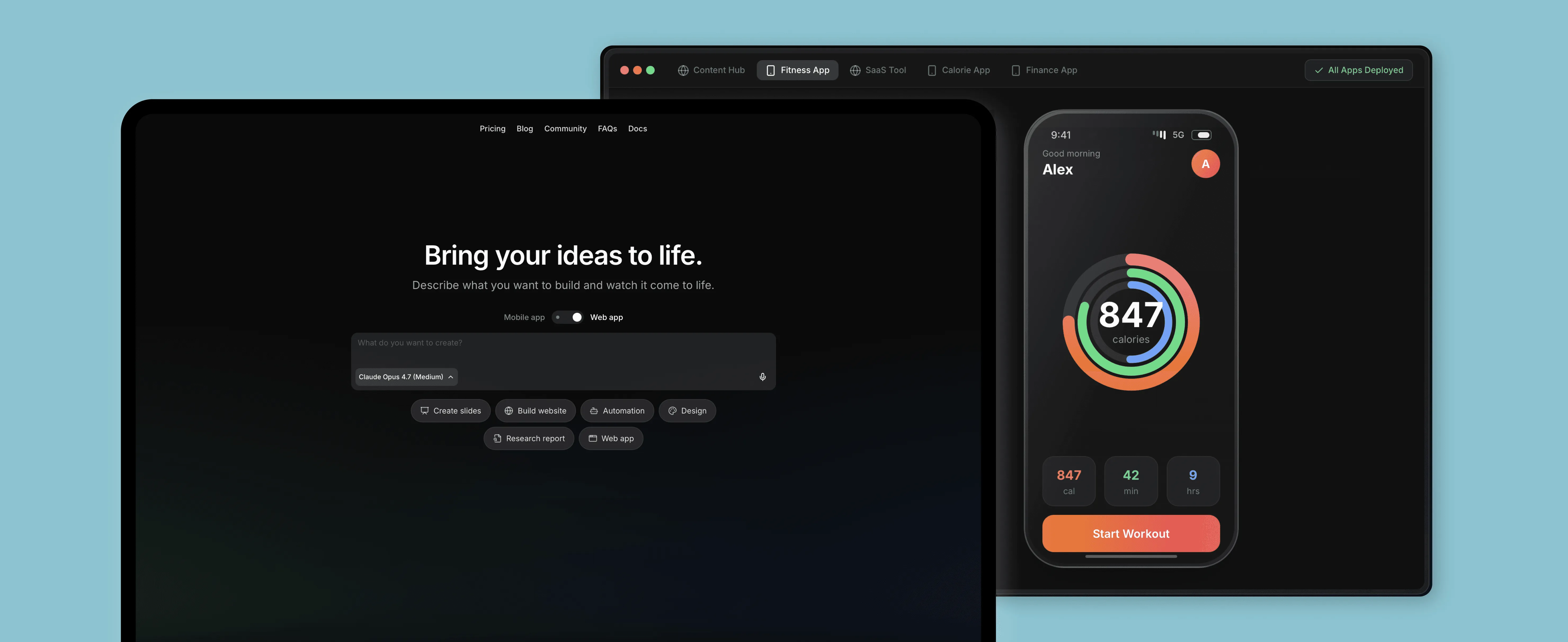
Vibecode is a platform that lets anyone create, develop, and launch fully functional mobile & web apps directly from their phone or web app by interacting with LLMs in natural language, without having to learn any coding skills.
The Vibecode team came to us with an early prototype and a clear ambition: make mobile app creation accessible to everyone. We worked together to define the right technical approach and develop core features of their iOS app. The result? A platform used by hundreds of thousands of people.
- Mobile app development
- Consulting & architecture
- Prototyping & PoC
- Web app development
- SwiftUI
- React Native & Expo
- Express.js
- Next.js
Goals & challenges
When the Vibecode team first reached out to us, they had an early prototype and a clear vision. What they needed was a reliable team to turn that vision into a scalable product. Our first contribution was consulting to identify the right technical approach tailored to the client’s business needs.
From there, we moved on to:
- Building a working PoC that validated the core approach
- Expanding the app's functionality and implementing new designs
- Resolving critical technical challenges as the platform's priorities often changed due to the innovative nature of the project
Finding the right approach and building the PoC
Before writing a line of production code, we needed to answer a key question: “What’s the right way to build the proof of concept in this case?”
Our first instinct was to explore adapting Expo Go as the foundation. As a mature, well-maintained tool built exactly for running Expo apps, we treated it as a natural starting point. But the more we dug in, the clearer it became that working within such a large, complex codebase would create many unnecessary problems and the overhead simply wasn't worth it.
Vibecode had already built their own prototype using expo-dev-launcher and expo-dev-menu, which we used for a while. However, it eventually proved to be the wrong approach as we started to encounter issues stemming from running multiple concurrent React Native runtimes inside a single app – a real risk in a product where users are constantly generating and previewing new apps.
From there, we landed on what turned out to be the right call: build a native iOS app and embed the generated Expo app within a SwiftUI view. This architecture meant we were working with a clean, controlled environment.
We also enabled certain debug-only React Native features selectively to improve stability and user experience where it mattered most. In parallel, we built an Android prototype, however, it was later deprioritized to concentrate resources on the iOS app and move faster where the product had the most traction.
Building the native iOS app
With a solid foundation in place, we moved into building out the iOS app, namely expanding its functionality, implementing new designs, and steadily improving stability along the way.
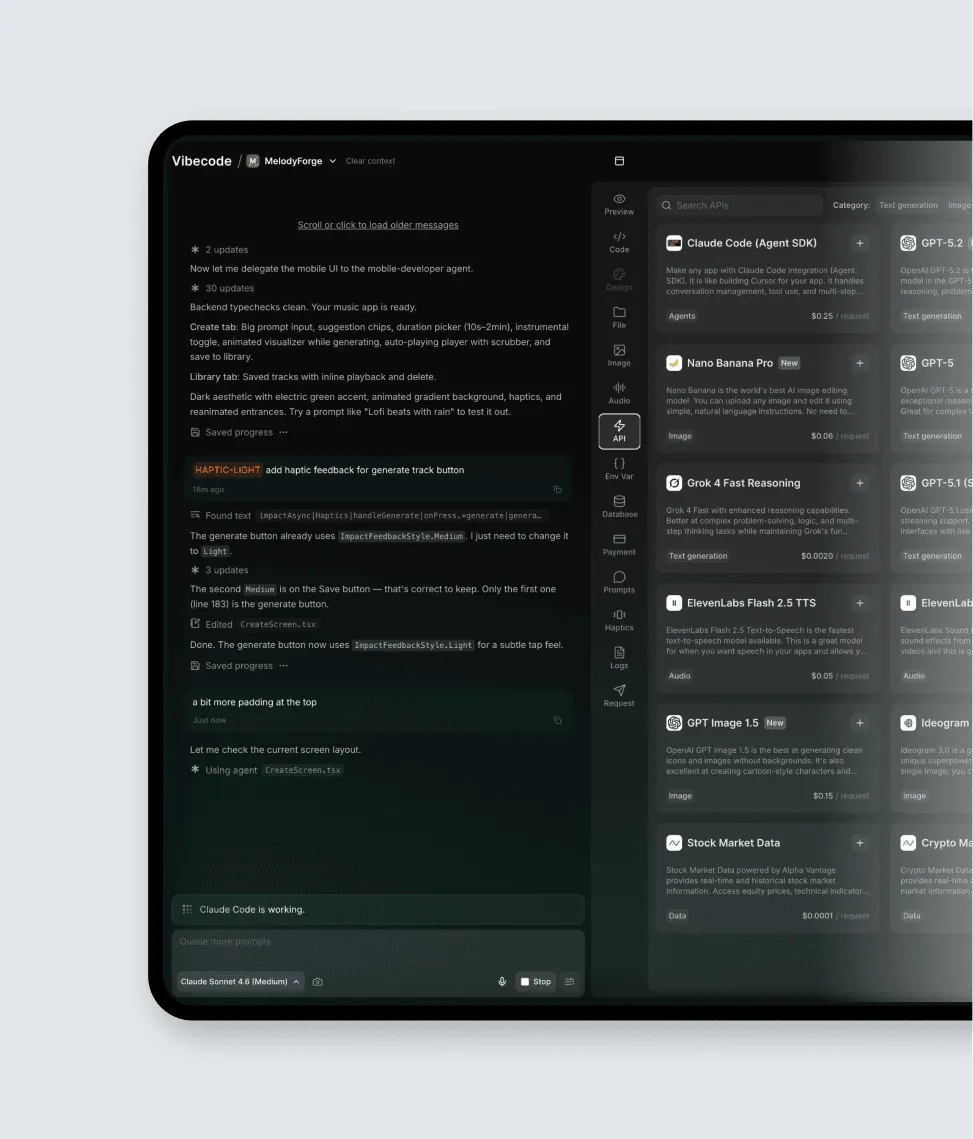
We did our best to make the app feel and look great: we polished the UX with haptics and tooltips, optimized navigation, implemented authentication, an API client layer, and more.
Embedding React Native into the iOS app
Given the nature of the product, it was especially important to ensure that dynamically generated React Native applications run reliably and are displayed smoothly within the native iOS app. This wasn’t a standard scenario where we needed to add React Native to an existing app – it was closer to embedding a sandbox for user-generated apps, where the debugging functionality had to be enabled in the released version of the app.
We approached this by integrating React Native into the SwiftUI-based architecture in a controlled way, treating it as a contained execution environment. This allowed the native app to remain the source of truth for navigation and system-level behavior, while React Native handled the dynamically-generated UI experiences.
Since users were effectively generating and running their own apps, we needed to ensure that React Native errors wouldn’t break the host application or leave users without feedback. That’s why we implemented error capturing that translated runtime issues into user-friendly states, allowing the app to recover instead of failing silently or crashing. We also patched Reanimated behavior so that runtime errors in release builds could be properly surfaced, improving reliability in production scenarios where debugging visibility is otherwise limited.
Another critical challenge was how JavaScript bundles were delivered and resolved. Because apps were being generated and executed dynamically, bundle loading needed to be both fast and predictable. In addition to loading bundles via Metro, we introduced logic for loading static JS bundles, significantly improving cold start times. We implemented a custom TurboModule responsible for resolving static JS bundle assets, alongside a dedicated flow for fetching and caching bundles. This ensured that the correct version of each generated app was consistently loaded.
As the platform introduced more advanced features, we also needed a way to expose selected backend capabilities to the generated apps. To support this, we built a proxy layer for requests originating from the React Native runtime. This allowed the native layer to mediate access to API integrations tied to user subscriptions, ensuring that permissions were enforced consistently while keeping the JavaScript environment isolated from sensitive logic and credentials.
Finally, we helped improve the user experience around the tooling stack. Metro bundler caching and resolution issues were affecting iteration speed and predictability, so we helped stabilize these workflows and reduce friction during prompting. These improvements made a real difference in Expo-based setups generated by the platform, cutting startup times by as much as 8x.
Implementing AI agent chat integrations
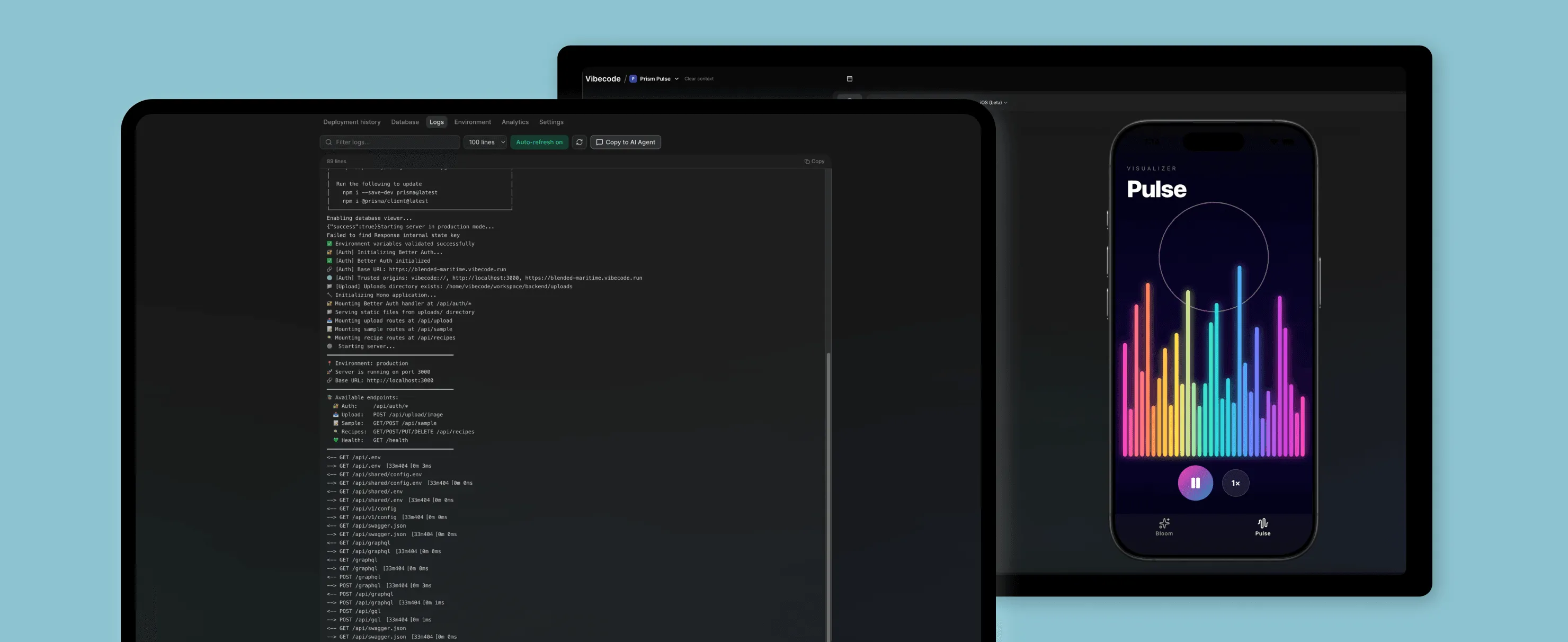
As the chat interface became the main control surface for building apps, we extended it with tools that made iteration more direct and precise. One of the additions was the Element Picker, which allows users to click on specific UI elements inside their running app and request changes through chat.
This was powered in part by React Native’s Element Inspector, which we integrated into the system to expose structured UI metadata back to the agent.
We also added a Prompts tab, making it easy for users to track and reuse previous instructions and iterate more smoothly while building their app.
Adding iOS native extensions
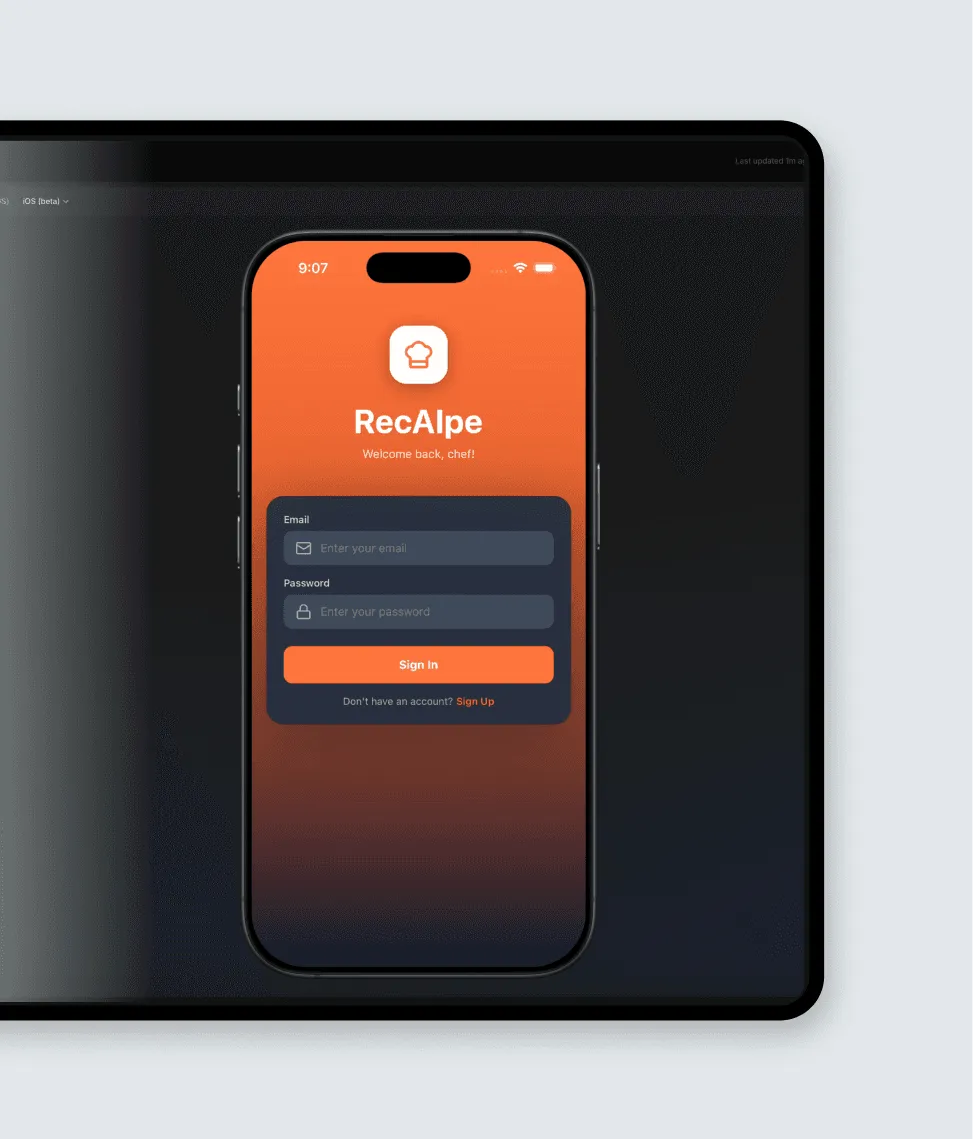
To make Vibecode feel like a truly integrated part of the iOS ecosystem, we expanded the product by introducing several native extensions that connected generated apps more directly with the operating system.
We started with a home screen widget called Apps Launcher, which lets users quickly access and launch their generated projects directly from the iOS home screen. This significantly reduced friction and made the experience of switching between apps feel native.
We also introduced iOS App Clips, enabling users to open and interact with shared Expo projects without needing to install the full application. This was particularly valuable for the app’s organic growth, allowing users to experience generated apps instantly from a link.
To further improve visibility into long-running processes, we added Live Activities that display real-time progress of app generation. Thanks to it, users can track the state of their builds directly from the lock screen or Dynamic Island.
Last but not least, we integrated App Intents so generated apps and platform features can be exposed to iOS in a more native way, enabling interactions through Siri and system-wide shortcuts.
Developing the web app
As Vibecode grew, the web app became a key part of the build-and-ship workflow rather than just a companion to mobile.
We integrated Expo Launch, allowing users to take their generated apps all the way to App Store submission directly from the web. We also added iOS Simulator previews in the browser, moving beyond basic Expo web-based previews and giving users a more realistic environment to test their apps.
To improve the chat experience, we introduced Server-Sent Events (SSE) to stream AI responses in the web app, providing real-time feedback as the app is being created.
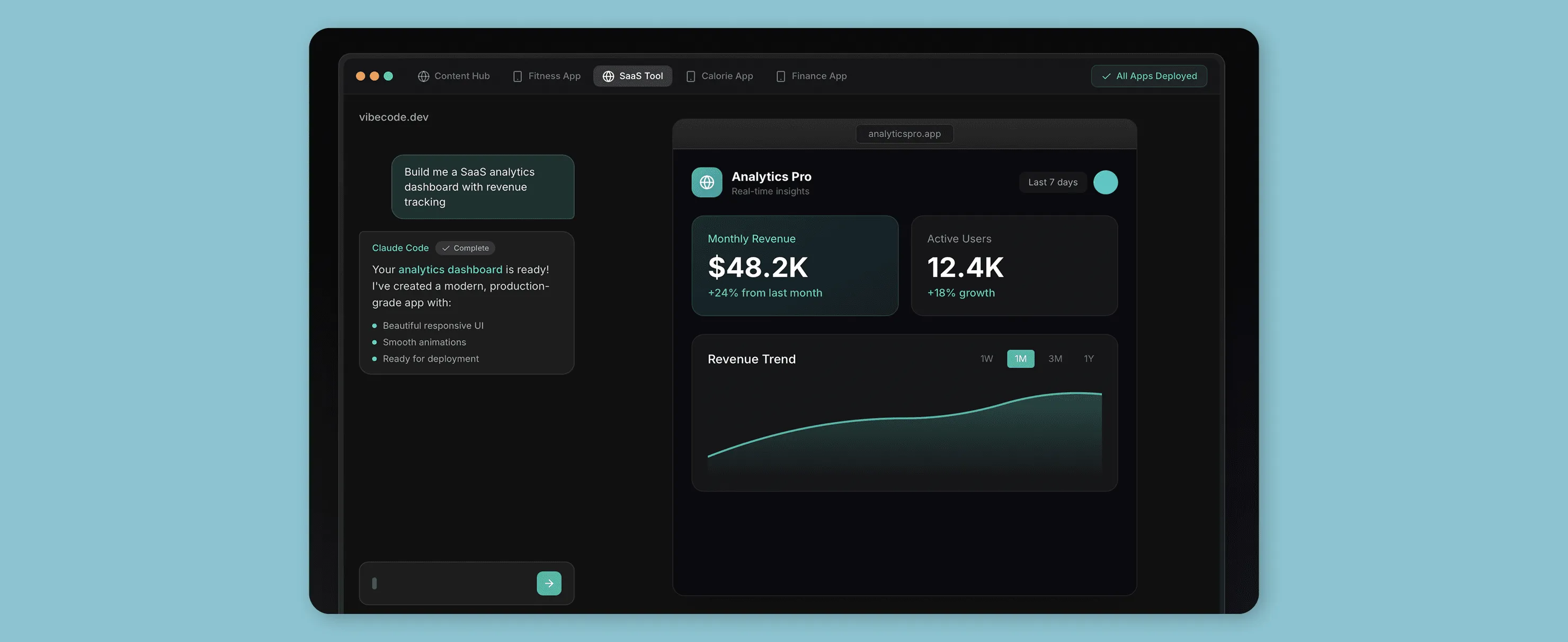
The recipe to success? Shipping fast without creating technical debt
At Software Mansion, we use AI to move faster without compromising quality. When working with Vibecode, we always treated AI as an accelerator for iteration and product exploration, while keeping the underlying architecture strict, predictable, and production-ready.
We focus on delivering codebases that growing client teams can confidently inherit and extend. That influenced how we structured the React Native, native iOS, and web layers, keeping clear boundaries and avoiding shortcuts that would make future development harder as the product scaled.
Last but not least, even when features are created with the help of AI workflows, we always ensure the underlying systems are designed to remain stable, maintainable, and easy to reason about as the platform evolves.
Software Mansion are the best React Native developers. They worked seamlessly as an extension of our team and helped us navigate the complexities of building the first ever mobile app that builds mobile apps. I had a great time working with everyone on their team, and we hope to work with them in the future.
Results
Throughout our cooperation, we helped take Vibecode from an early prototype to a product used by hundreds of thousands of people.
- 300,000+ registered users within the first year
- 250,000+ lines of code merged across mobile, web, and backend systems
- Featured by Anthropic as a flagship Claude-powered product