Optimizing Battery Usage & Improving Crash-Free Rate for the Boating Community
SeaPeople was born from a group of avid boaters who spotted a gap in the boating community and decided to fill it by building an app to connect users, share sea stories, and stay in touch.
When SeaPeople came to us, its MVP had a strong foundation on iOS, but the Android version hit rough waters with noticeable performance issues and some features not working as expected. The client turned to us for help, tapping into our expertise as core React Native contributors and Expo co-creators. In just over three months of collaboration, we built a solid foundation for the app’s future growth, improving its crash-free rate to almost 99% and introducing new social features.
- Mobile app development
- Bug fixing & performance optimization
- Support & stability monitoring
- React Native
- Supabase
- Sentry
- Expo
- RN Reanimated
- RN Gesture Handler
- RN Screens
- RN Gifted Chat
- RN Maps

Challenges
Our initial goal was to bring the SeaPeople Android version up to the same high standard as iOS, tackling challenges like:
- Frequent crashes during background tasks, like location tracking
- Cross-platform inconsistencies, leaving Android users with a subpar experience
- Along the way, we noticed significant battery drain on both Android and iOS, making the app unreliable for longer trips
Getting in the same boat with SeaPeople
Working with SeaPeople was more than a technical partnership – it was about understanding the boating community’s needs. Together, we set our sights on creating an app that would feel like second nature to sailors and boaters.
Boosting stability
When SeaPeople approached us, the Android app version faced frequent crashes, particularly during route tracking. Users who started recording a route and reopened the app after it had been running in the background often found themselves stuck in a restart loop.
We found the problem stemmed from Android’s headless mode, which conserves battery by running apps without a visible UI. A flaw in the background process logic triggered resets whenever no active UI was detected. To resolve the issue, we first had to replicate it. This required background location tracking to be processed during the transition from headless mode to regular mode.
Improving the crash-free rate demanded refining the app’s task-handling logic to prevent unnecessary resets in headless mode. But the root of the problem was deeper than expected – it was tied to the crucial Expo Task Manager package. We quickly identified the issue and solved it, ensuring the SeaPeople app became stable as soon as possible.
After just three months of cooperation, the app’s crash-free rate increased from 95% to 98.5–99%, ensuring a far more reliable UX.
Navigating global header troubles
After improving stability, we faced another challenge: the Android app headers were getting stuck behind the top bar, making them inaccessible to users.
At first, the problem seemed simple – one of the screens had two headers. Many would think it could be easily fixed by removing the redundant header, but we quickly realized the problem was global and needed more attention. While the first header was a default for basic navigation, the second was dynamic, with custom actions. What’s more, the dynamic header was generated using a setTimeout function. This caused the header to load with a delay, introducing unnecessary lag, re-renders, flickering, and occasionally crashing the screen.
So, we found it necessary to develop a global header component. By using a custom header component with direct props for the left and right components, we were able to eliminate the delay and improve performance.
Thanks to it, the headers started rendering instantly, improving app speed, reliability, and overall performance. The global header component was designed to support personalized actions while keeping a consistent look and behavior across the app. Unlike the previous implementation that used setTimeout, this solution eliminated screen loading issues, ensuring a smoother user experience across the application.
Refactoring navigation
Since the client wanted to hide the navigation bar on certain Android screens to match the iOS experience, we had to overhaul a significant part of the app’s navigation system, using the React Navigation library.
Given the complexity of the app and the large number of screens, the risk was high – one wrong move could break the navigation, causing app malfunctions or crashes.
With the above structure, the tab bar remained visible on the profile and settings screens. To show the tab bar only on the home, feed, and notifications screens, we needed to adjust the navigation structure. The simplest solution was to nest the tab navigator inside the first stack screen, instead of nesting stack inside the tab navigator.
We began by testing the new navigation on a few screens to ensure the tab bar hid correctly without causing any issues. Once we had a stable solution, we presented it to the SeaPeople team and gradually rolled out the changes across the app, carefully monitoring for any unexpected behavior and making sure the app performance remained intact.
Optimizing battery usage
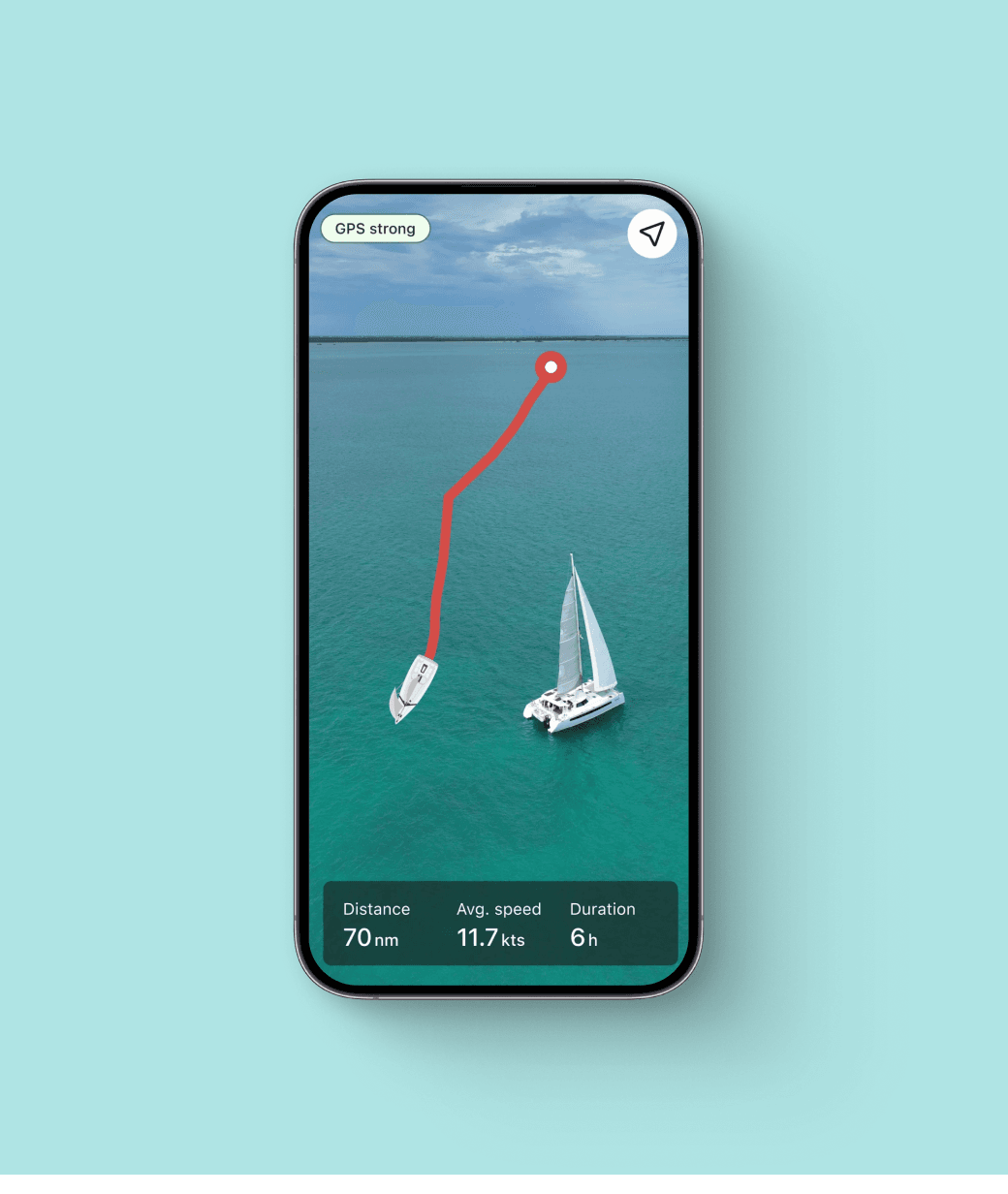
One of the main challenges when we started working with SeaPeople was the excessive battery drain on both iOS and Android which was super problematic as many users rely on the app for extended trips.
At first, we assumed the issue stemmed from GPS tracking, so we introduced three tracking modes with varying levels of GPS accuracy to save battery. However, despite these adjustments, battery consumption remained roughly the same, while tracking accuracy dropped significantly.
Realizing the problem extended beyond GPS, we dug deeper into the app performance. After profiling it, we found that high CPU usage continued even with minimal activity, and we discovered one of the screens was re-rendering every second, causing CPU spikes even when the screen wasn’t visible or the app was running in the background. Additionally, the app was constantly making network requests to the local database, regardless of GPS mode or location updates, leading to battery drain.
To address these, we minimized re-renders by ensuring invisible screens wouldn’t update and we optimized the re-render process, reducing CPU usage from 170% on an iPhone 13 to 30%. We also implemented a system to query the database only when new location data is available, cutting down on network requests and improving battery life. This also allowed us to fix a few visual bugs that showed up occasionally.
Introducing new social features
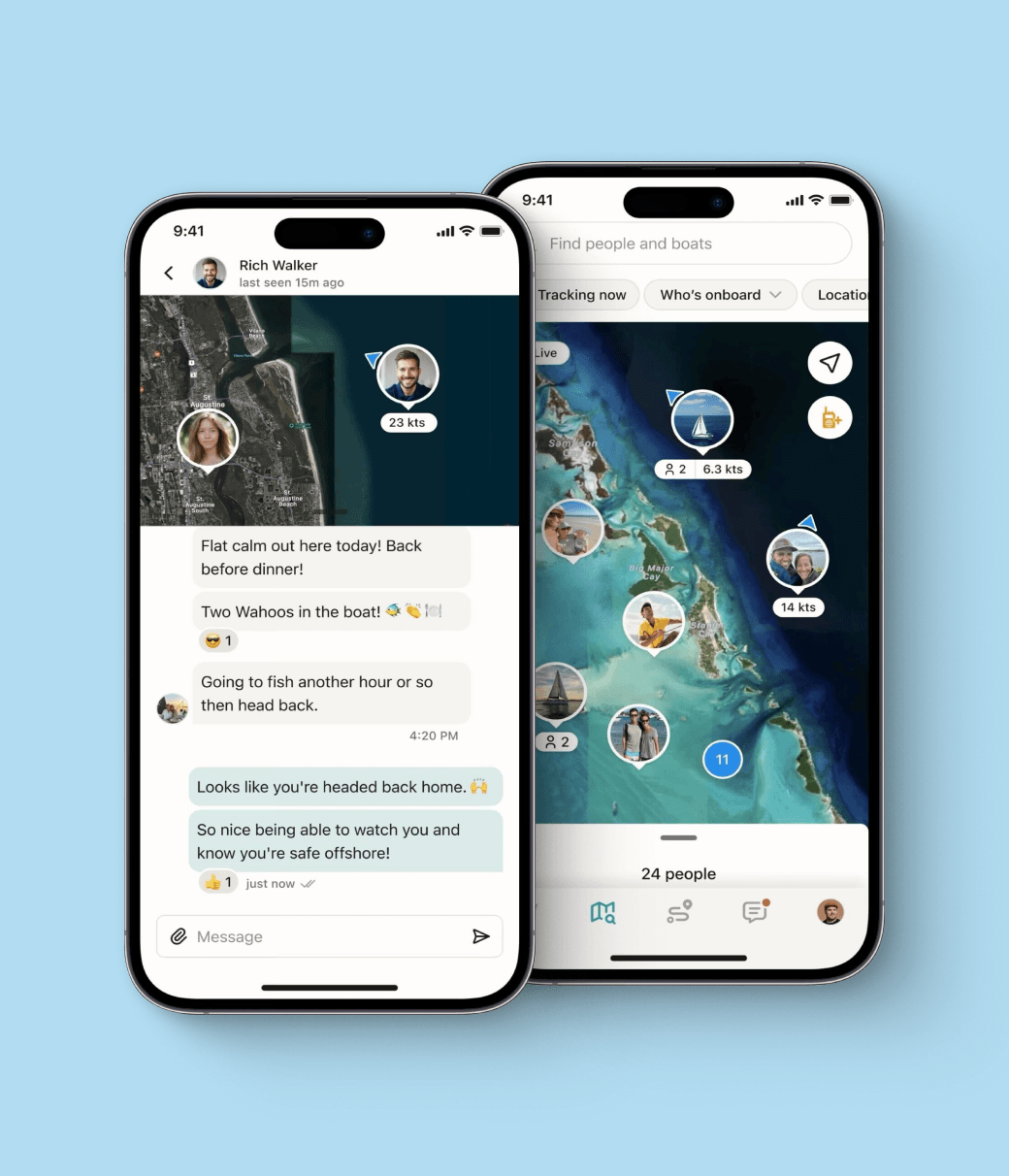
To boost user engagement, we collaborated with the SeaPeople design team to introduce the Groups feature, enabling users to connect, join communities, and share posts.
The project began with a broad scope and a tight deadline. Within just two weeks, our two-person dev team delivered the initial version, followed by extensive testing to resolve any issues.
Building on existing features like messaging and post feeds, Groups took the in-app social experience to the next level, allowing users to form groups, share updates, and communicate with ease.
“The effort to make it fast on both platforms and work around platform specific issues was beyond our skillset. The team at Software Mansion jumped in, onboarded very quickly, and made an impact right away. The contacts with the maintainers of core RN libraries was extremely valuable. We couldn't have shipped without their help.”
Results
Throughout our collaboration, our developers worked closely with the SeaPeople team, providing input on the technical feasibility of proposed changes and evaluating the trade-offs between feature complexity and potential value.
In just over three months of collaboration, we built a solid foundation for SeaPeople’s future growth. The app stands out with its sleek design and interactive features, integrating a range of complex React Native components.
-
30K
users on the waiting list before launch
-
99%
app crash-free rate achieved in just three months
-
4.9
rating on App Store
-
170-30%
reduced CPU usage on an iPhone 13 from 170% to 30%