
Delivering Precise Playback & Cutting Audio Preloading by 85% in a Content Aggregator App
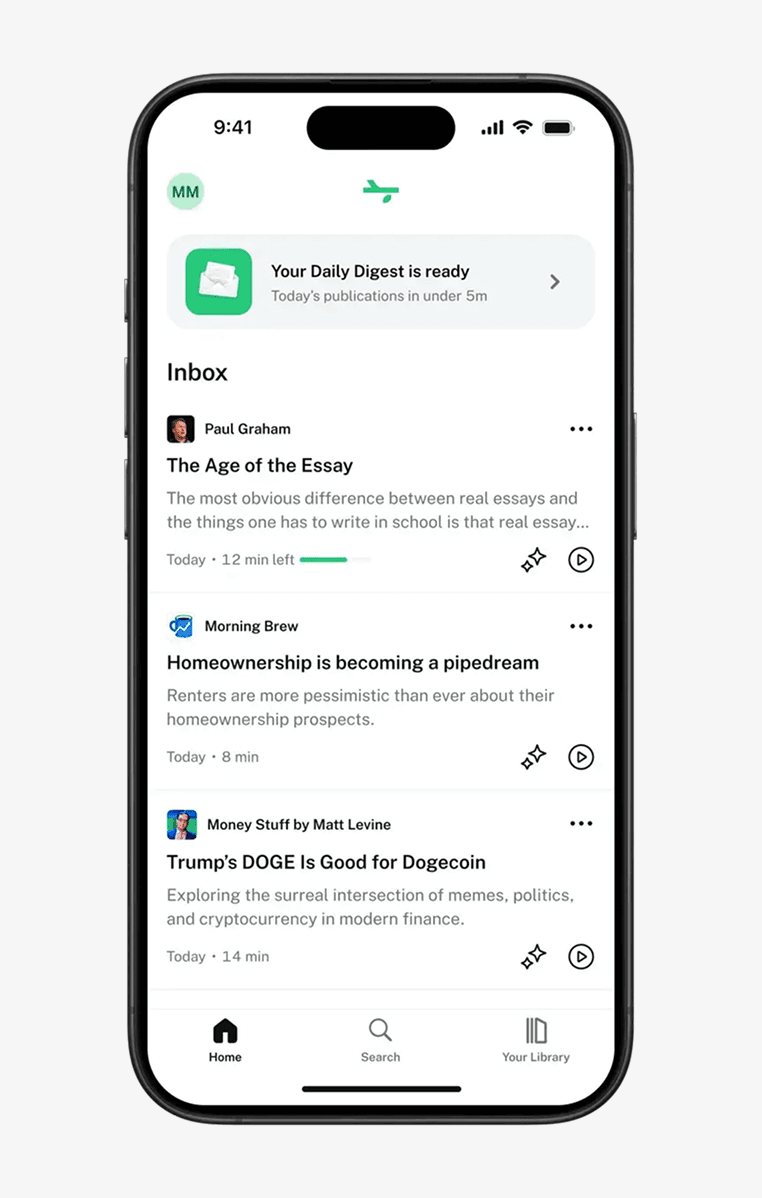
Perch is a blog and newsletter aggregator that helps users declutter their inbox, stay up-to-date and discover interesting content, all in one place.
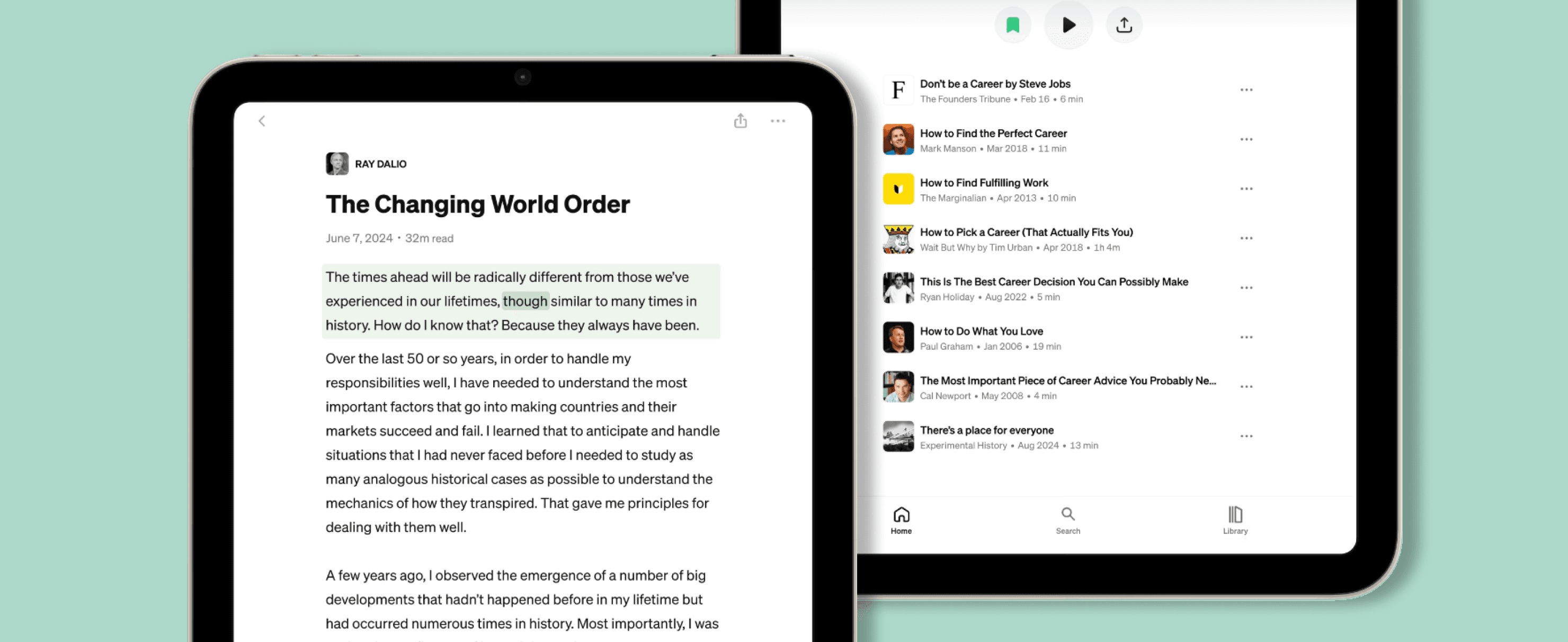
The client reached out to us because, while the app performed well on the reading side, they wanted to amplify the experience with reliable audio and accurate sync with UI. The goal was clear: enable natural text-to-speech so any article could be listened to like a podcast – smoothly, without unnatural pauses, and without compromising app performance. Achieving that, however, proved more challenging than simply pressing play. Through our joint efforts, we cut audio preloading from ~10 seconds to ~1.5 seconds and ensured smooth multi-sound and background playback as well as perfectly synchronized audio highlights and progress tracking.
- Mobile app development
- Custom audio infrastructure
- Performance optimization
- Cross-platform integration
- React Native
- RN Audio API
- Expo
- ElevenLabs
- WebSockets
Challenges & goals
When Perch approached us, their existing audio stack – built using React Native Track Player – was causing several challenges. To ensure the app runs smoothly, we needed to focus on:
- Cutting audio preloading for a smooth user experience
- Streaming long articles efficiently to avoid bloated memory and bandwidth usage
- Keeping playback reliable during actions like seeking, skipping, or resuming after a drop
- Supporting multi-sound playback, background playback, lock screen controls, and interruption handling
- Maintaining natural, ultra-low latency text-to-speech
- Delivering smooth playback, even for long articles difficult to synchronize with UI
Tuning the user experience
We started our cooperation with a goal to rebuild Perch’s audio stack from the ground up. The original solution, built using React Native Track Player, suffered from long preloading times and limited scalability. To address this, we moved away from generating full audio files and started streaming articles in real time. Using WebSockets with ElevenLabs’ text-to-speech model, we were able to break articles into smaller chunks, cutting preloading from ~10 seconds to 1.5 seconds. Thanks to react-native-audio-api we could play chunk by chunk in perfect sync with each other, enabling articles of any length to scale efficiently without loading unnecessary data.
Furthermore, to make the listening experience feel natural and reliable, we focused on two critical aspects: playback speed and connectivity. First, we optimized playback speed with a TDHS (Time Domain Harmonic Scaling) algorithm, ensuring AI voices “reading” the articles sound natural even when sped up or slowed down. We also ensured support for multiple simultaneous streams so users can preview AI voice samples without interrupting ongoing playback.
Second, we made the player resilient to connectivity issues by building the architecture around a finite state machine. The system has two main services: the AudioPlayer, responsible for playback, and the AudioStreamingManager, handling the WebSocket connection. Thanks to this design, failed audio requests are automatically retried, ensuring buffered audio continues uninterrupted even if the internet drops. This architecture not only makes playback robust, but also enables precise synchronization between audio and the UI, supporting features like highlights and played-word tracking. Playback automatically resumes once the connection returns, ensuring a seamless and responsive listening experience.
Ensuring precision through events
A key part of making the Perch app player perfectly sync with the UI was using audio callbacks exposed by react-native-audio-api. Emitting precise events driven by audio layer for actions like track start, track end, or current position gives exact visibility into playback, lets progress bars stay perfectly in sync, schedules audio actions nearly frame-perfectly, and keeps the UI tightly linked to audio without lag or guesswork.
Under the hood, our React Native Audio API library lets us queue and stitch smaller audio chunks with frame-perfect precision, ensuring play, pause, seek, and stop actions respond instantly – even in tricky situations like multiple 15 seconds seeks, resuming after a dropped connection, or handling multiple audio sources simultaneously.
During our collaboration, we also focused on custom interfaces for working with audio buffers, making it easier for client’s developers to maintain and extend the system while ensuring playback accuracy. Together, these improvements create a highly reliable, precise, and maintainable audio system that supports both the user experience and developer workflows.
Adding the currently played word tracking & highlighting to improve reading experience
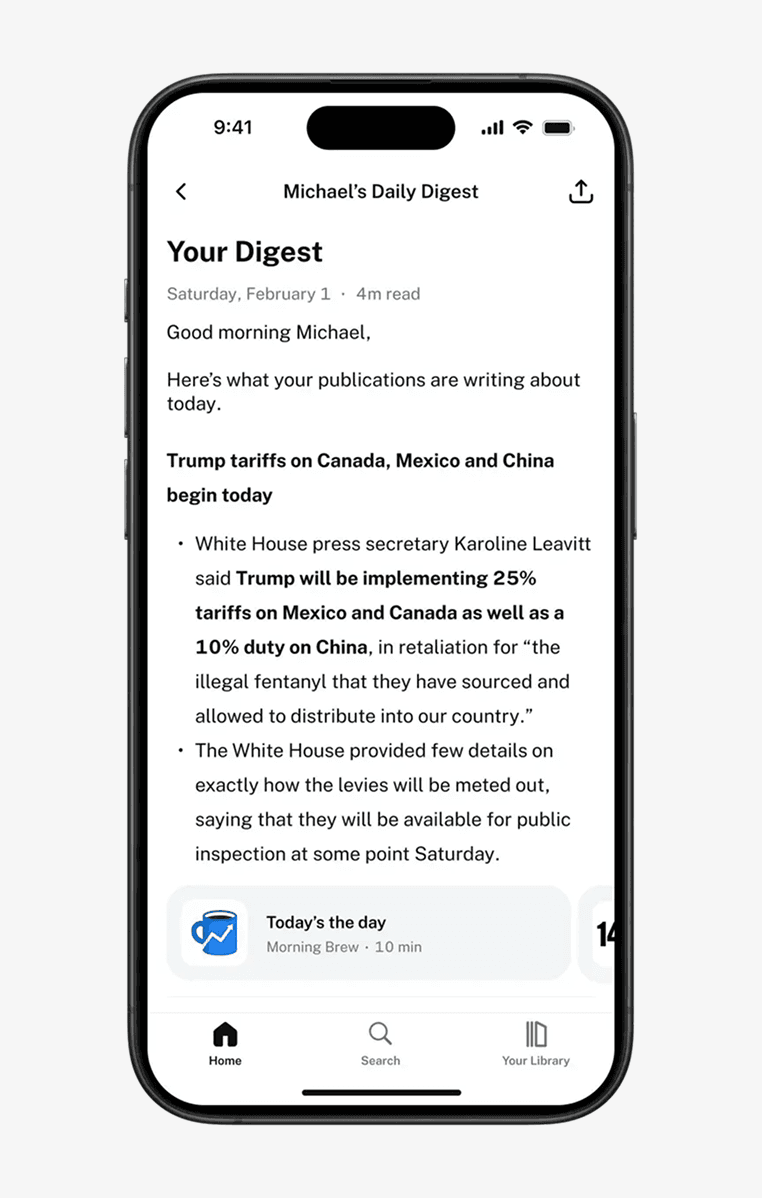
To provide a seamless experience whether app users read or listen, we also helped implement currently played word tracking, showing the currently spoken word in real time as audio plays. This allows users to tap any word and jump directly to that point in the audio, turning articles into interactive transcripts. This makes the app more interactive and helps with learning or following the content.
To achieve this, we took a low-level approach that prioritized both time and memory efficiency, allowing us to handle thousands of individual words smoothly, without slowing the app, and enabling precise touch interactions, so tapping on a word feels accurate and responsive.
But the improvements didn’t stop there. To help users save interesting words or passages to revisit later, we introduced custom highlights. They allow users to mark meaningful sections, while precise progress tracking ensures they can resume reading or listening exactly where they left off. The player is also resilient to connection drops: buffered audio continues uninterrupted, and playback automatically resumes when connectivity returns. This allows users to not only pick up where they left off but also revisit the sections they found most important.
Playing well with the rest of the phone
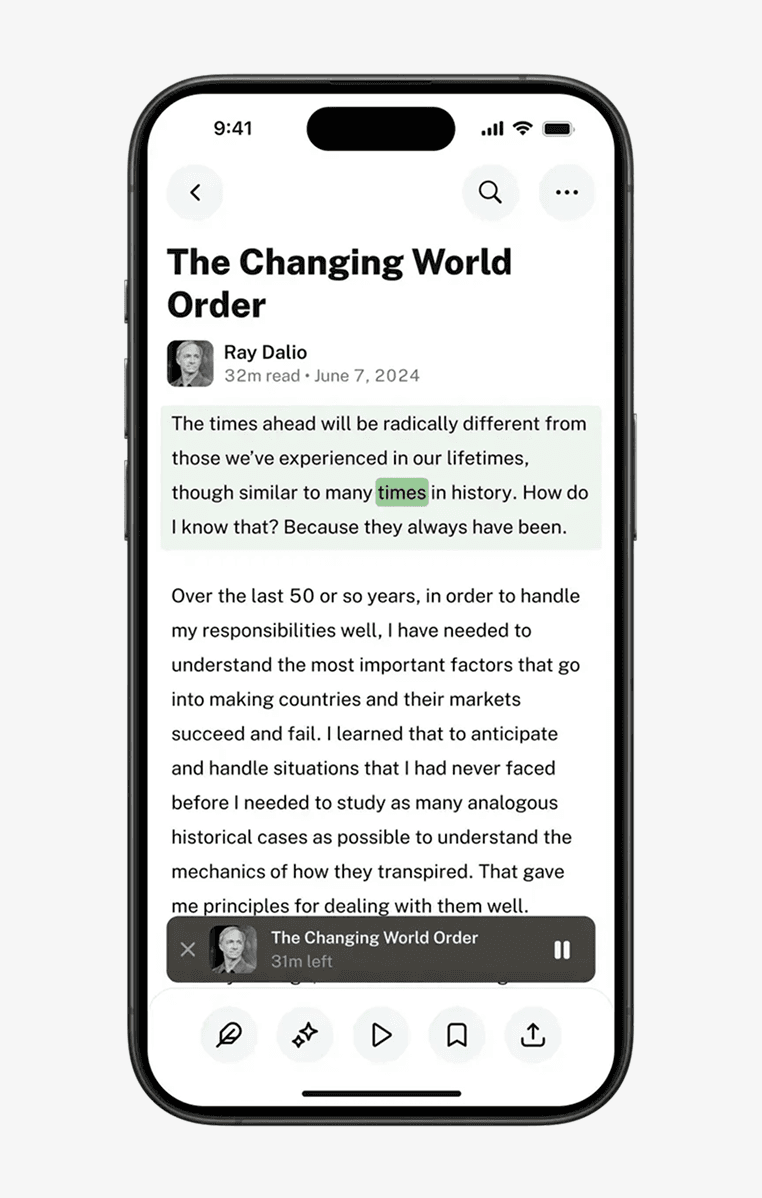
For Perch to feel truly native, the player needs to integrate smoothly with the wider device environment, ensuring audio coexists with calls, music apps like Spotify or YouTube, and other apps, pausing when required and resuming when the interruption ends.
To achieve this, we implemented background and lock screen playback across both iOS and Android, complete with synced progress and controls. Thanks to React Native Audio API, we were able to unlock background mode, seamlessly manage lock screen state, and ensure Perch’s audio coexists smoothly with other apps on the device. The library also enables granular control over audio interruptions, letting us define precise behavior during system events like incoming calls or Siri activations. Additionally, we provided full support for headset remote controls – like AirPods gestures – so users can enjoy the same level of control they expect from their favorite native music or podcast apps. This technical foundation ensures a fully native, platform-compliant audio experience, delivering a premium and consistent user experience across devices.
“Perch has been using react-native-audio-api for streaming generated audio in our app and it’s been fantastic. The audio quality is crisp and features like variable playback speed work seamlessly without any hiccups. We’ve replaced all other audio libraries we were using with it.”

Results
Today, Perch users can open any content piece, hit play, and start listening to naturally sounding audio within milliseconds. The experience feels as natural as reading – and as effortless as pressing play on a podcast. Key highlights of our collaboration include:
- Reduced audio preloading time from ~10 seconds to ~1.5 seconds, delivering near-instant playback
- Ensured reliable playback with smooth seeking, skipping, pausing, and recovery after interruptions
- Implemented precise audio and reading progress tracking with interactive transcript features, including current word highlighting, auto-scrolling, tap-to-play from any word, and user-marked highlights
- Delivered full background playback and multi-sound playback with React Native Audio API
- Optimized AI playback speed for a better user experience
- Ensured scalable streaming that efficiently handles articles of any length