The first release of Local LiveView!
 Mateusz Front•Aug 24, 2026•5 min read
Local LiveView is a library to run LiveView code in the browser. We announced it back in April, when it was still a POC. Since then, we've put a lot of work into making it usable in the wild. Today, I'm happy to share that the first Hex release of Local LiveView just landed. 🎉 It ships with a solid core of features, documentation, guides, and even an Igniter-based installer. We've deployed some demos, too. So, it's the perfect time to start hacking.
LiveView is great for cases where you're fine with keeping pretty much all the state on the server, which has its benefits and tradeoffs. When client-side state is needed, things get complex. Even though there are JS hooks and JS commands, they're far from idiomatic LiveView code, and therefore harder to reason about and maintain. And you're often forced to write JS.
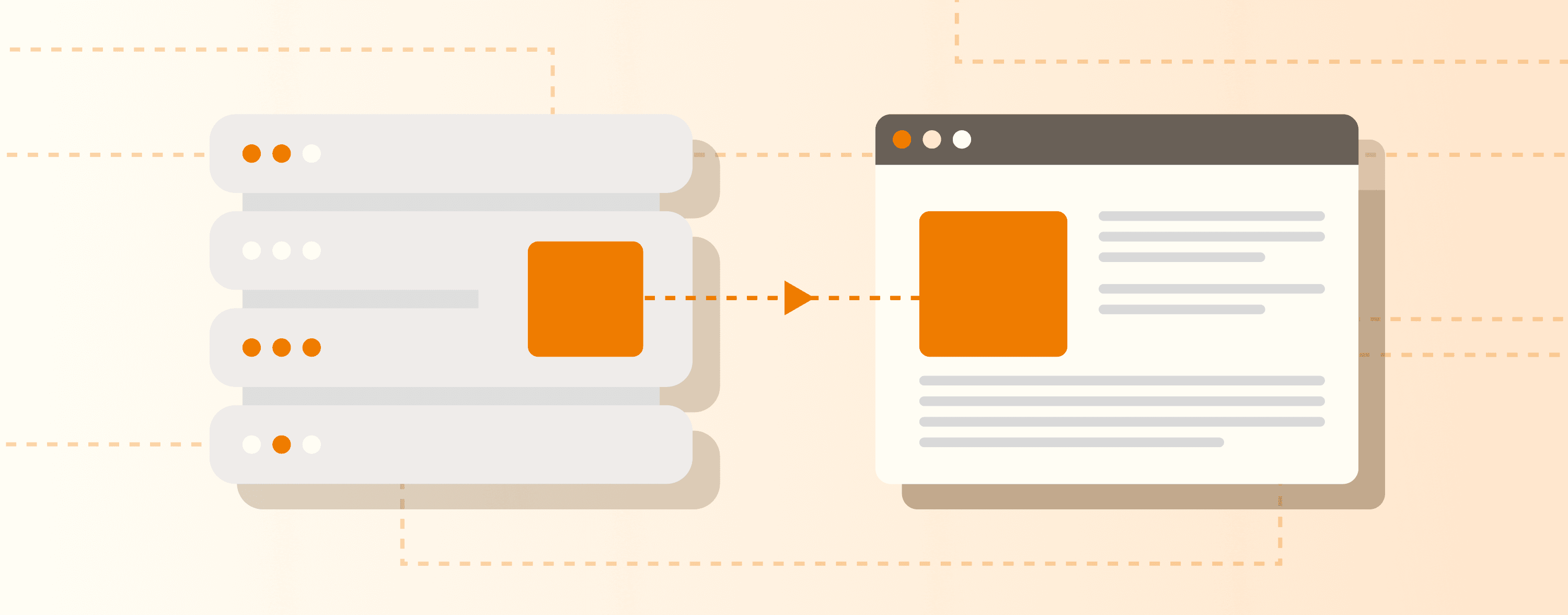
That's why we built Local LiveView: it runs your LiveView code in the browser via Popcorn, keeping all assigns local. You can freely choose what should stay on the client and what needs to reach the server. This lets you, for example, offload simple UI updates from the server, drastically reduce latency on poor networks, and avoid "WebSocket disconnected" issues.
An example is worth a thousand words, so let's follow one. Assuming you have Local LiveView installed in your project (did I mention there's an Igniter installer?), consider a simple live component:
defmodule MyAppWeb.ThermostatComponent do
  use Phoenix.LiveComponent

  @impl true
  def update(assigns, socket) do
    {:ok, assign(socket, :temperature, assigns.temperature)}
  end

  @impl true
  def render(assigns) do
    ~H"""
    <div>
      Current temperature: {@temperature}°C
      <button phx-click="inc_temperature" phx-target={@myself}>+</button>
    </div>
    """
  end

  @impl true
  def handle_event("inc_temperature", _params, socket) do
    {:noreply, update(socket, :temperature, &(&1 + 1))}
  end
endLet's make the component run on the client! For that, we need a simple Local LiveView that renders our component:
defmodule MyAppWeb.MyLocal do
  use LocalLiveView

  @impl true
  def render(assigns) do
    ~H"""
    <.live_component module={MyAppWeb.ThermostatComponent} id="thermostat" temperature={@temperature} />
    """
  end
endNow, let's render our local view. We can do it from a regular LiveView:
defmodule MyAppWeb.MyLive do
  use Phoenix.LiveView

  @impl true
  def render(assigns) do
    ~H"""
    <.local_live_view view="MyAppWeb.MyLocal" id="my_local_view" temperature={25} />
    """
  end
endThe only step left is to move the Thermostat to the right place (local/lib/*) in your project. Local LiveView enforces separation of client and server code, so you don't accidentally leak anything to the client, but can still reuse the client code on the server.
And... that's it! The Thermostat itself is unchanged, but it now runs locally! Let's see how it works.
The local view we just created is an entry point to the client-side world. In this example, it doesn't do much: just gets the temperature assign from the server and uses it to render the Thermostat component. However, local views can have complex logic, handle events, and render multiple live and regular components. You could even move the Thermostat's logic into the local view, merging them — it can be a nice exercise to get started ;) The docs explain the Local LiveView API and its relation to LiveView and LiveComponent in detail.
It's worth noting that a server-side LiveView can render many local views, and a local view can reach back to the server — there are two mechanisms for that:
- push_server_event — sends events to the server, which replies with updated assigns (LiveVue/LiveSvelte style),
- mirror sync — syncs selected assigns with the server.
They're both thoroughly explained in the docs as well.
This post shows a very simple example, but Local LiveView is already capable of running more complex apps. We prepared several demos you can try yourself:
Kanban boards — an app for creating and browsing kanban-style boards. The most interesting part is the board view: it's 100% Elixir, supports drag & drop, optimistic updates, and all the modals/forms are handled locally. Open the app, create a board, then disconnect from the network and see how it behaves. It also demonstrates server synchronization via
push_server_event— reconnect and open two windows side by side to see it.Pong game — a simple, 100% local, 100% Elixir game — you play Pong against a bot.
Burrito order form — a fairly complex form demo, comparing regular LiveView and Local LiveView side by side. It also demonstrates synchronizing state via mirror sync.
Even though Local LiveView feels pretty stable already, we're going to test it further in different scenarios and see how it holds up. We're going to polish the API along the way, though we don't expect big changes.
Removing our dependencies on LiveView's private APIs is another important goal. Fortunately, we're well on our way — we're working closely with the LiveView team.
Reducing the bundle size is something we keep working on. We recently introduced an experimental Elixir tree-shaking tool that already helps significantly, with the Kanban demo's size down 4x (to ~1.8 MB - all assets, compressed).
Another thing on our radar is server-side rendering. Given that SSR for Local LiveView is more or less... LiveView, it should go smoothly ;)
We're excited about Local LiveView's further growth, and with the first release out, we'd love to have you along for the journey! Try it out: here are the docs, the repo, and the getting-started guide. Happy hacking!