
Haptics Is Music: How to Design Haptic Patterns That Feel Right
Sound is air vibrating, touch is skin vibrating. The same physical phenomenon, two different channels of perception. It’s not a metaphor, but literally the same mechanism, with just a different membrane receiving it.
I never used to think haptics was important — until I experienced ones that fit perfectly with an app's visual design. It completely changed how I think about it. I went from feeling like I'd never have time to focus on haptics, to realizing just how important and beneficial it is
That shift — from treating haptics as an afterthought to treating it as a design layer — is something I’d like to cover in this article. And the fastest way to make that shift is to stop thinking about vibrations and start thinking about… music.
What haptics and music actually share
If you look at music, it's not just about melody. Rhythm and timing carry a lot of the emotional weight. A fast pattern feels urgent, a slow one feels calm, and sudden pause can hit harder than any note.
Research backs this up: a 2022 study published in Scientific Reports found that the perception of rhythm is genuinely shared between hearing and touch. The detection thresholds for rhythmic gradients are the same across both modalities. Your brain processes them through the same mechanism, just via different input.
That's good news, but there's also something else.
A speaker operates across 20 Hz to 20,000 Hz. The haptic engine in your phone works in a much narrower band — roughly 80 to 300 Hz, where Pacinian receptors dominate. Below that range (16–32 Hz), vibrations produce a “flutter” sensation — a series of distinct rhythmic beats. Above it, it becomes a continuous vibration. As you see, very different feelings, very little room to maneuver between them.
The metal mass inside an LRA motor has inertia, so you can't bend it like a guitar string. Smooth glissandos, complex chords, rich harmonic texture — none of that translates. Unfortunately, the physical constraints are real.
So what does translate? Rhythm, tempo, dynamics, silence. These are the tools you actually have.
Designing haptic patterns: what translates from music
Rhythm is timing and gaps between impulses. Regular patterns feel safe and confirming, while syncopated or irregular ones introduce surprise, energy — or signal that something went wrong. A success confirmation is typically a clean double pulse, but an error is faster, less even. You feel the difference before you process it.
Tempo is how quickly a sequence plays out. Fast patterns read as urgent — an incoming call, a critical alert, but slow patterns signal resolution — a timer completing, a long process finishing. It mirrors how the nervous system responds to auditory tempo through entrainment, the process by which rhythm synchronizes physiological response.
Dynamics — crescendo and diminuendo — work in haptics as changes in intensity over time. EEG research has shown that haptic patterns with adaptive intensity and rhythm are significantly more effective at evoking emotion than flat, constant vibration. Pull-to-refresh is a good example in the wild: the feedback builds as you pull, then releases. That arc means something, it mirrors the action.
Articulation maps to the perceived hardness of the impulse. A sharp impulse produces a distinct click, while a soft one feels ambient, subtle, harder to isolate. Sharp = confirmation, click, decision point. Soft = background, ambient, secondary feedback.
Silence is not the absence of haptics. In music, a pause is a compositional element — it creates tension, marks transitions, gives weight to what comes before and after. The same applies here — the gap between two pulses is part of the pattern.
Principles for designing haptic feedback that feels right
A few notes that follow from all of this:
Design the pause, not just the pulse
The spacing between impulses is often what determines whether a pattern reads as success or error. Two pulses close together feel like urgency, but the same two pulses with a longer gap between them feel like resolution. Same hardware with a completely different meaning.
Match intensity to stakes
In music, fortissimo loses its power if you use it on every note. The same is true here. Reserve strong feedback for high-stakes moments — payments, irreversible actions, critical alerts. If everything vibrates equally, nothing stands out.
Think in sequences, not single buzzes
A single impulse is a sound, a sequence is a sentence. The pattern is what carries meaning — the number of pulses, the rhythm, the spacing, the intensity arc. One buzz tells the user nothing, but a composed sequence tells them exactly what happened.
Congruence matters more than you think
When haptics, sound, and animation disagree, users feel friction — even if they can't name why. When they work together, the experience feels polished and trustworthy. This is the multisensory equivalent of visual consistency.
Test on the device
This sounds obvious, but it isn't: an LRA in an iPhone 15 is a different experience from the motor in a mid-range Android. Patterns that feel precise and satisfying on one device can feel muddy or weak on another. There's no substitute for feeling it in your own hands.
You're already a composer
Every developer who's ever added a vibration to an app has made compositional choices — even if they didn't think of it that way. Single buzz or double? Short gap or long? Strong or subtle? Those decisions shape how the interaction feels.
Knowing the vocabulary, importance of duration, frequency and emotions evoked doesn't make it harder, but rather deliberate and smarter.
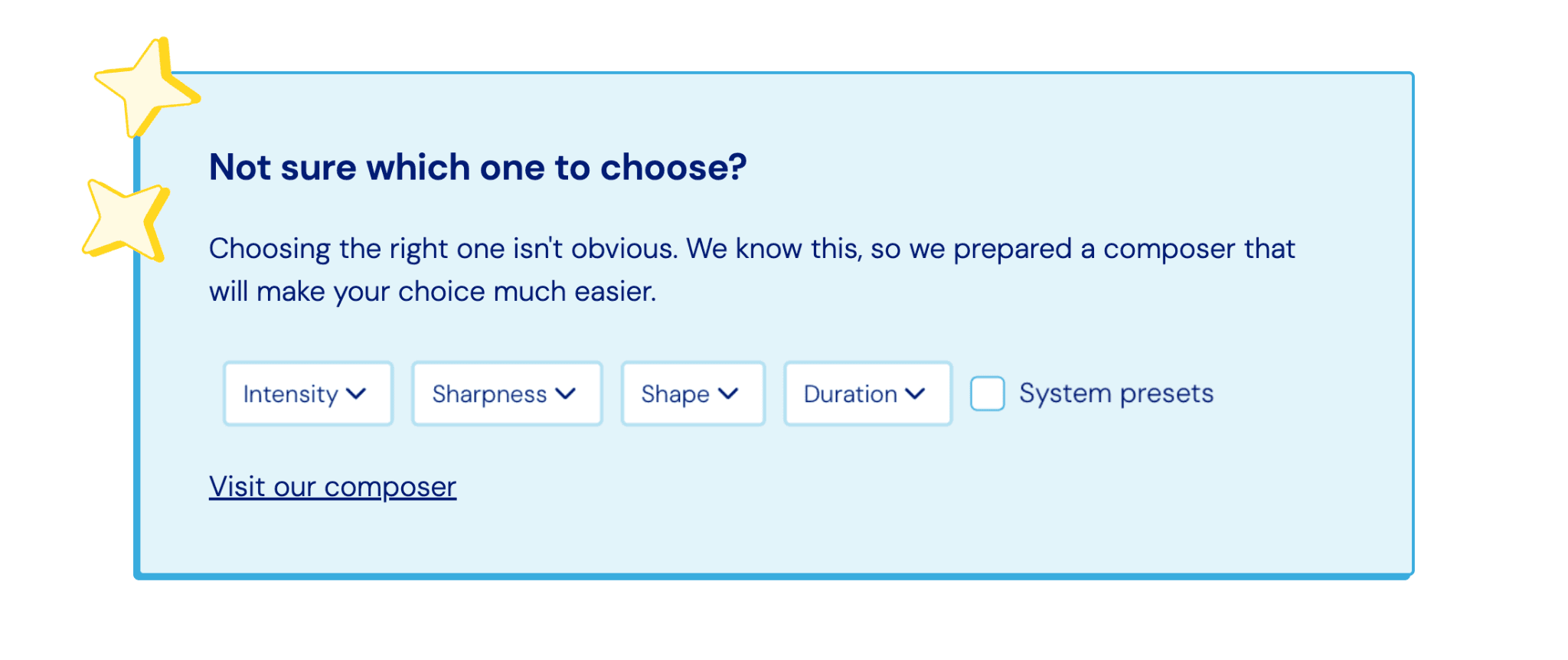
That's the idea behind Pulsar — a free, open-source haptic library for React Native, Swift, and Kotlin with 150+ ready-to-use presets. You can browse them, preview them with audio in the browser, and test them on your actual device before shipping anything. Bonus point: Pulsar lets you filter haptic variables to find exactly what fits your use case, so composing great haptic experiences is easier than ever. If you want more control, the API lets you build custom patterns from scratch.
The difference between a random buzz and a pattern that means something is smaller than you think. Check Pulsar out and let’s make some music.